















 stills.events




 Ayla


 Priya

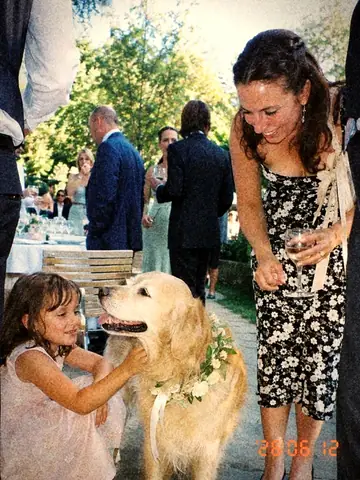 Uncle Raj


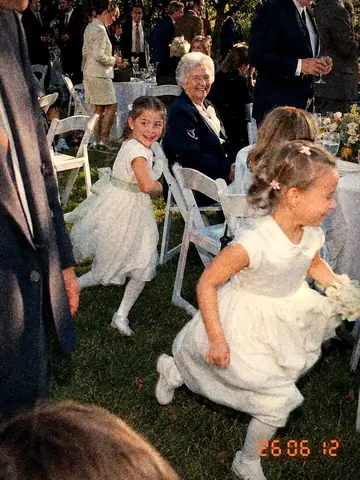 Nana

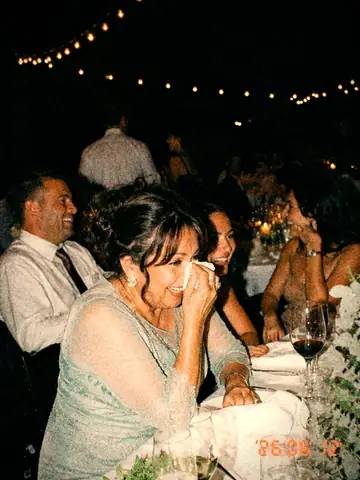 Leo

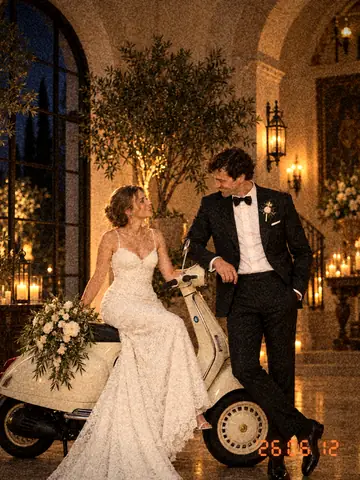 Ayla

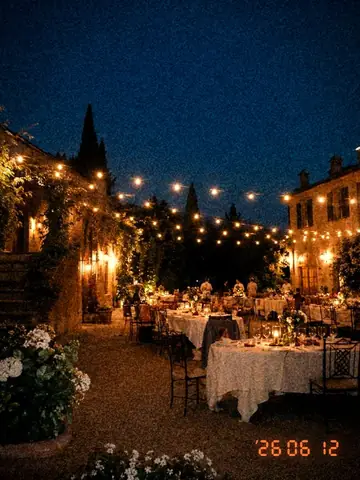 Grace

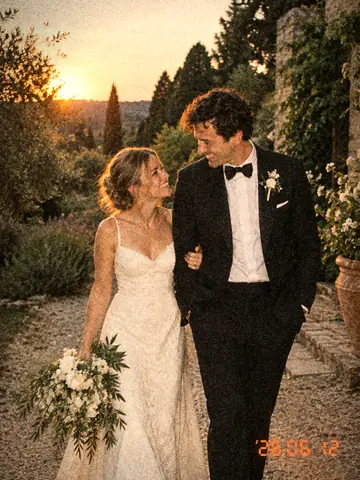 Tom

 Priya

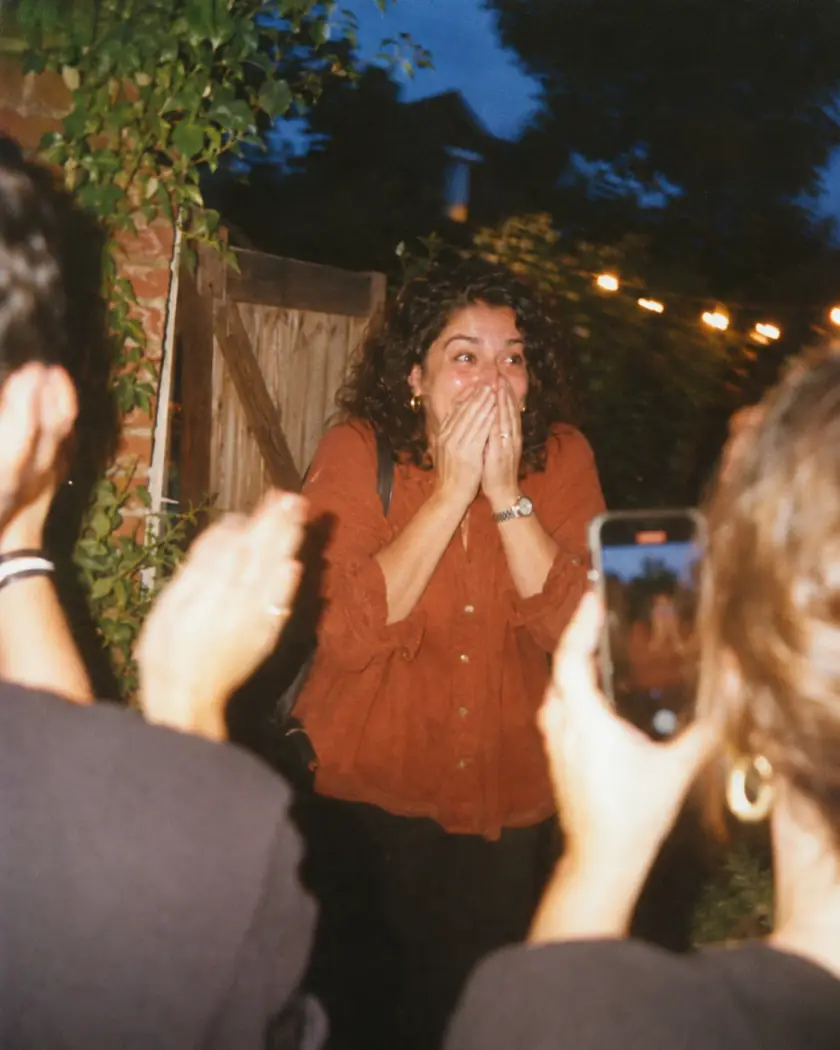

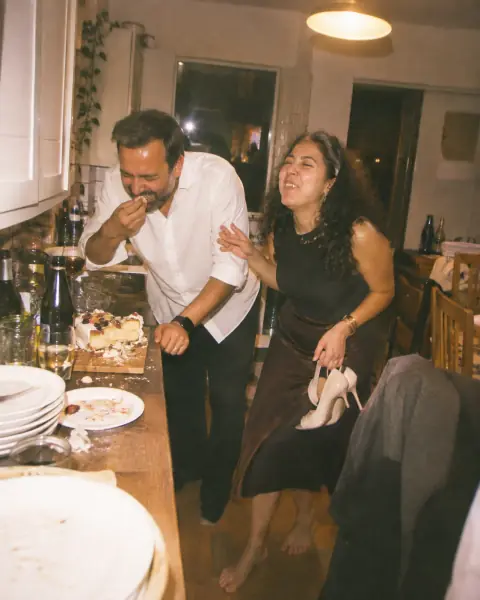 Sam
 Nina


 Holly
 Mia

 Ana
 Joe
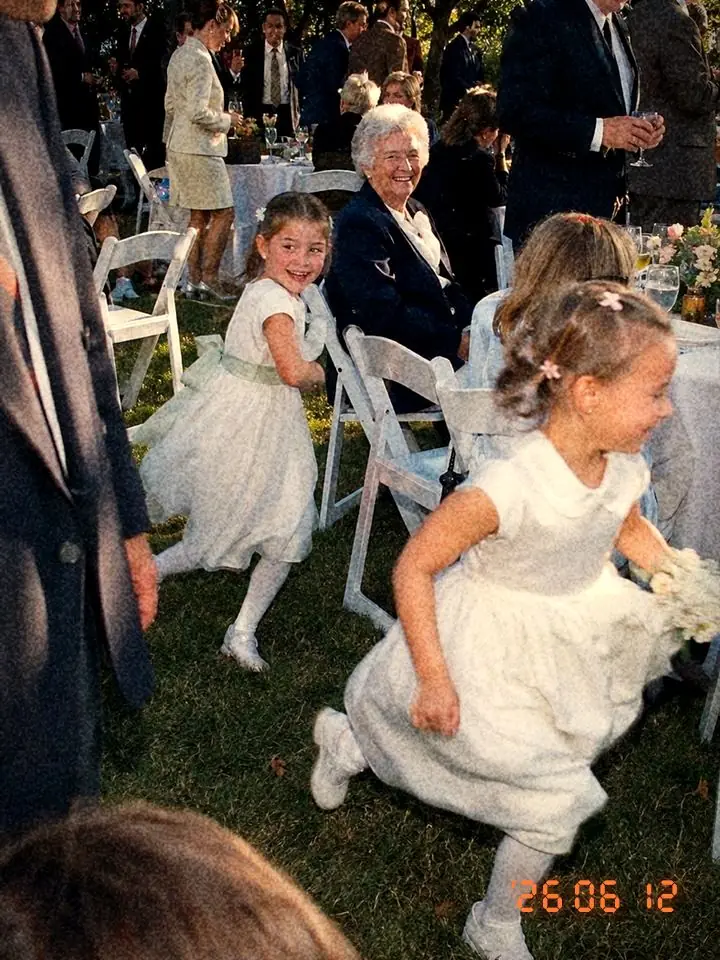
You’ll miss most of your own party.
Your guests won’t. Stills turns every phone in the room into one shared camera.
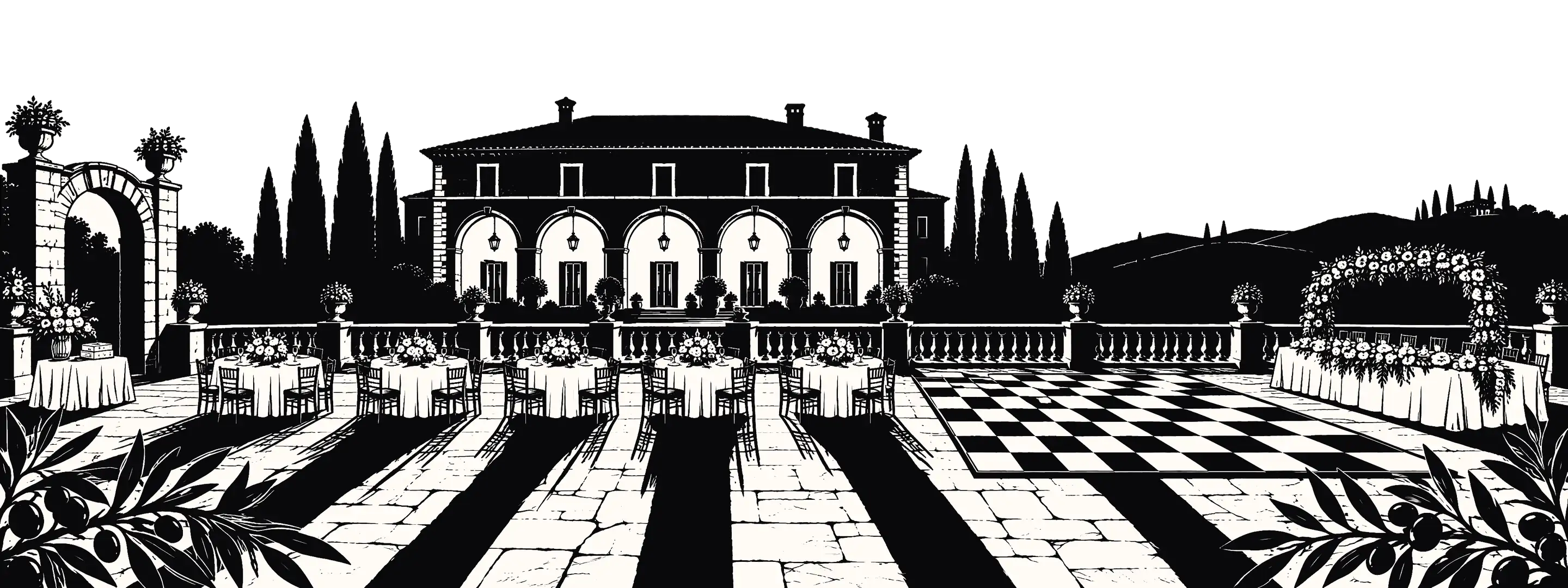
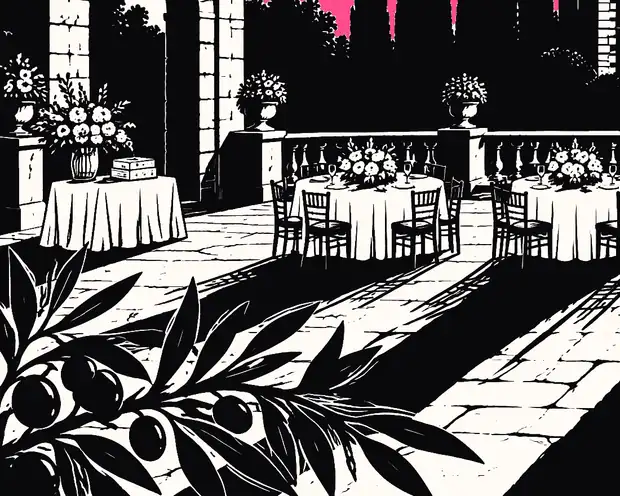
A bold black and white print of a wedding on the terrace of an Italian villa, under a hot pink and violet sunset.

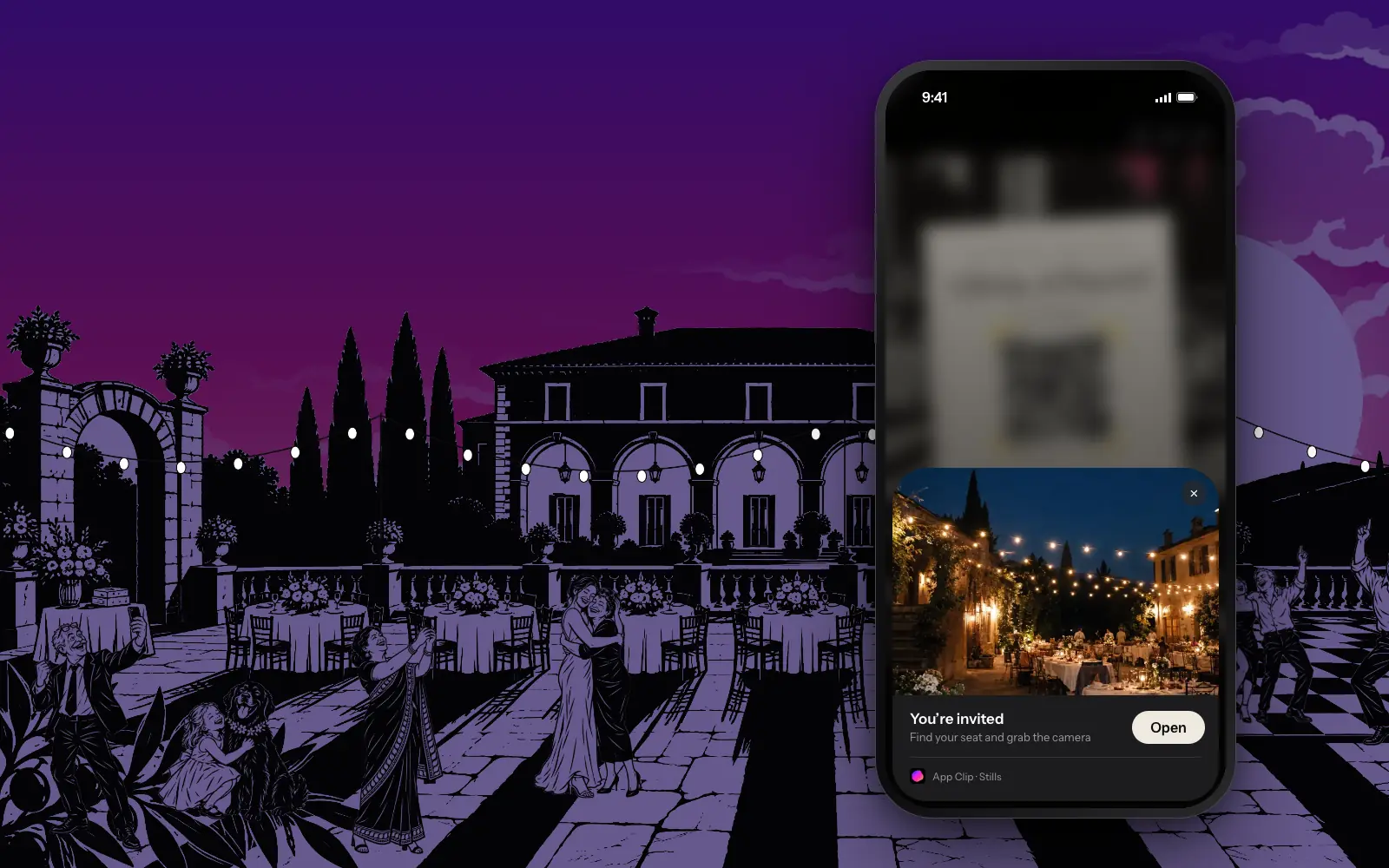
Nothing to download. Nothing to explain.
One scan and Stills just opens, like a card trick. Guests type their name and start shooting. No app. No account. No password your uncle will forget.
A phone scanning the QR code on a paper invitation, then opening the Stills join screen for Olivia and Daniel’s wedding.
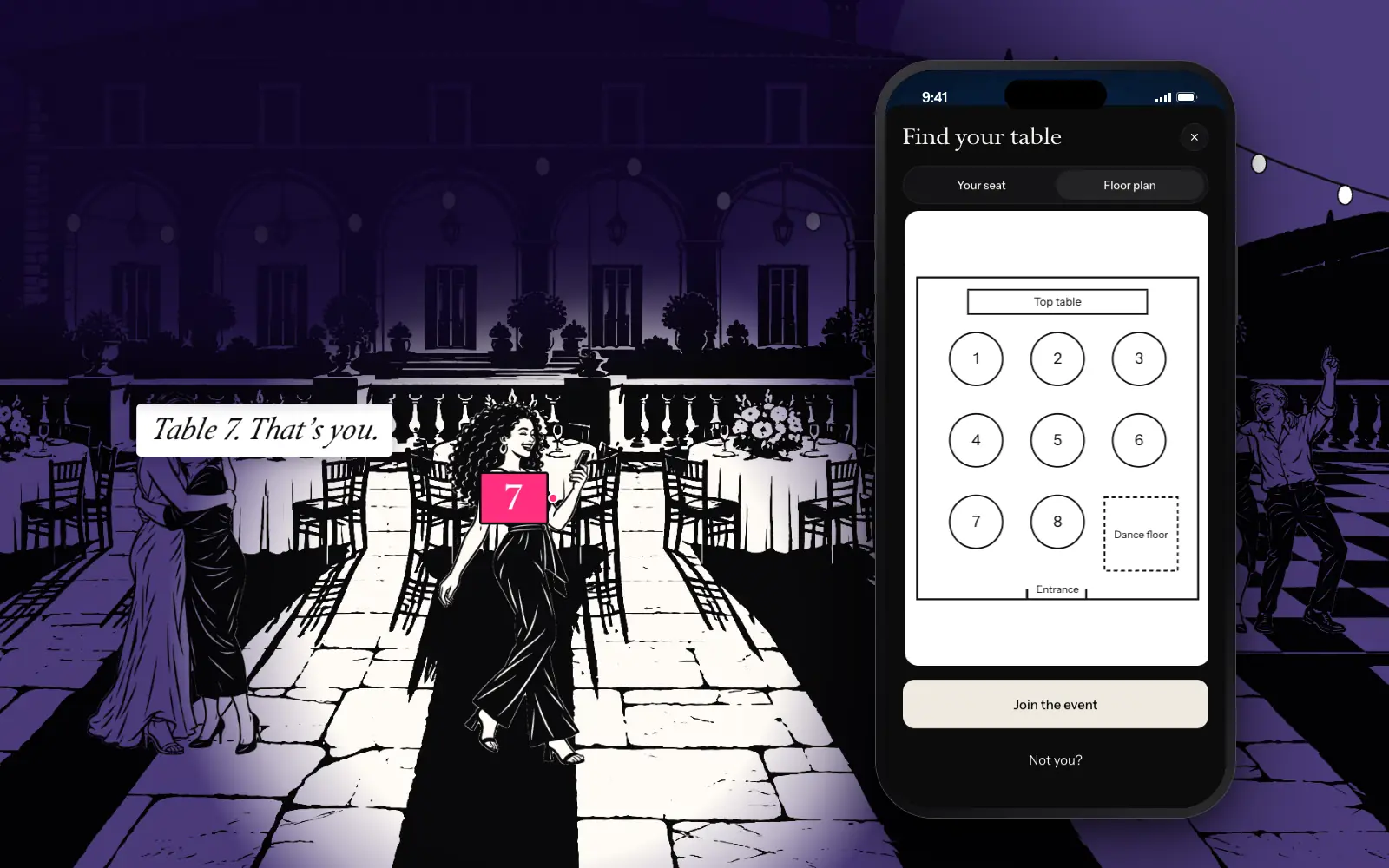
Retire the easel.
Guests type their name and Stills shows them their table. Add your floor plan and they can zoom in to find it. No second app. No extra charge.
An old seating chart on an easel is thrown out of the picture. Then the Find your table screen shows Ayla seated at Table 7, and the host’s floor plan zooms in.
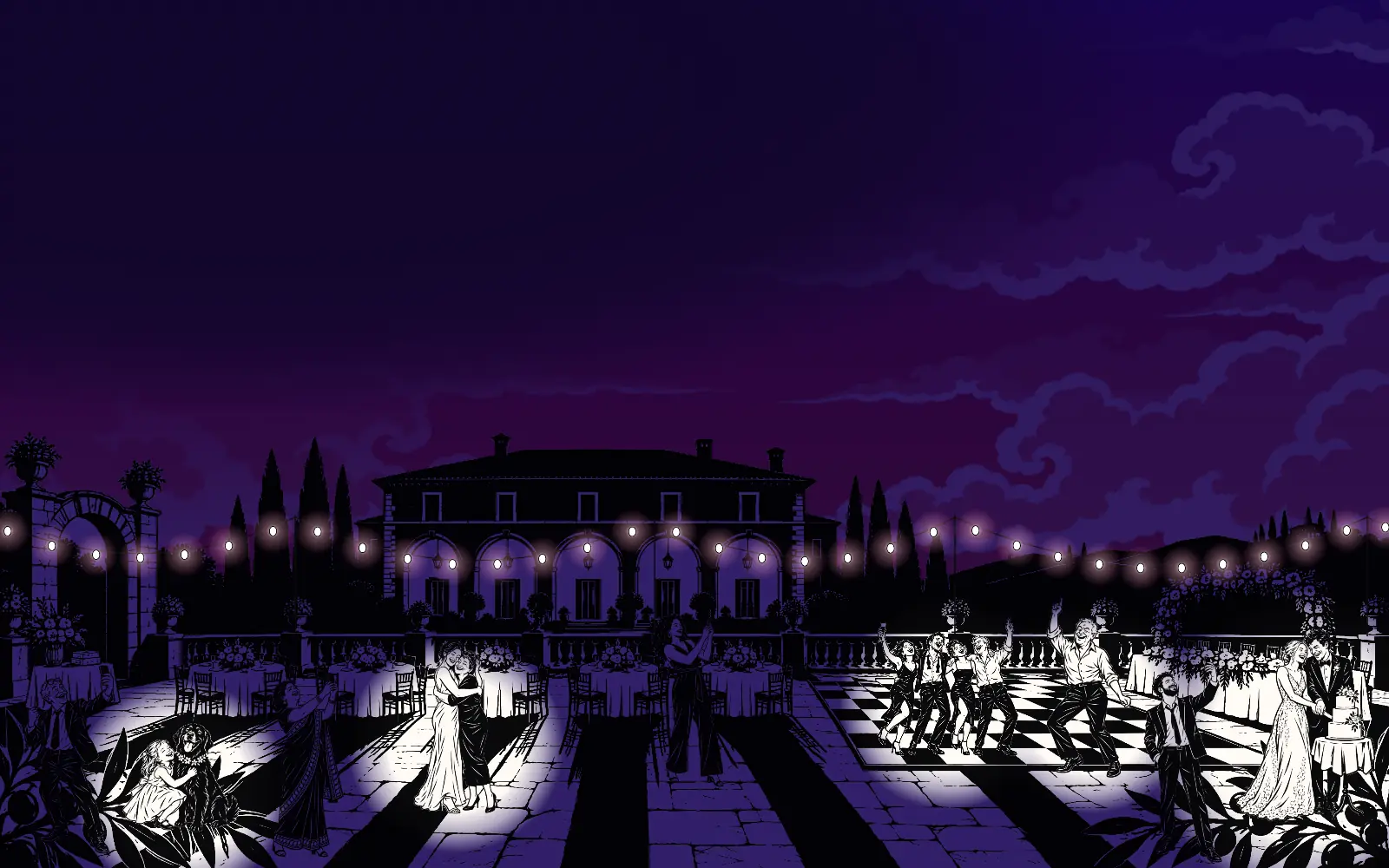
120 photographers. Zero invoices.
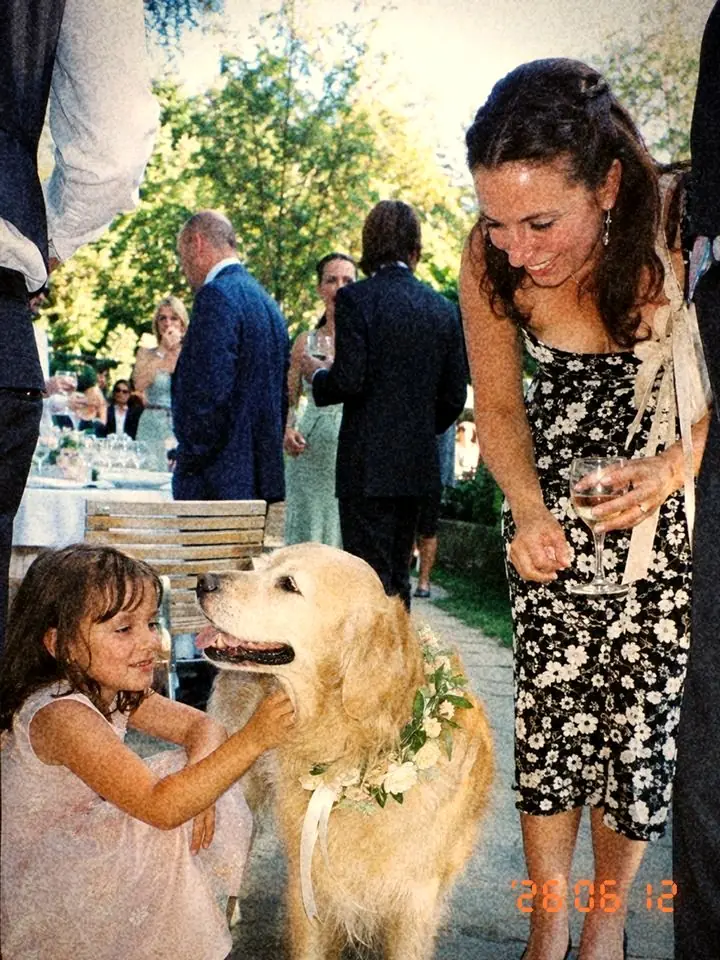
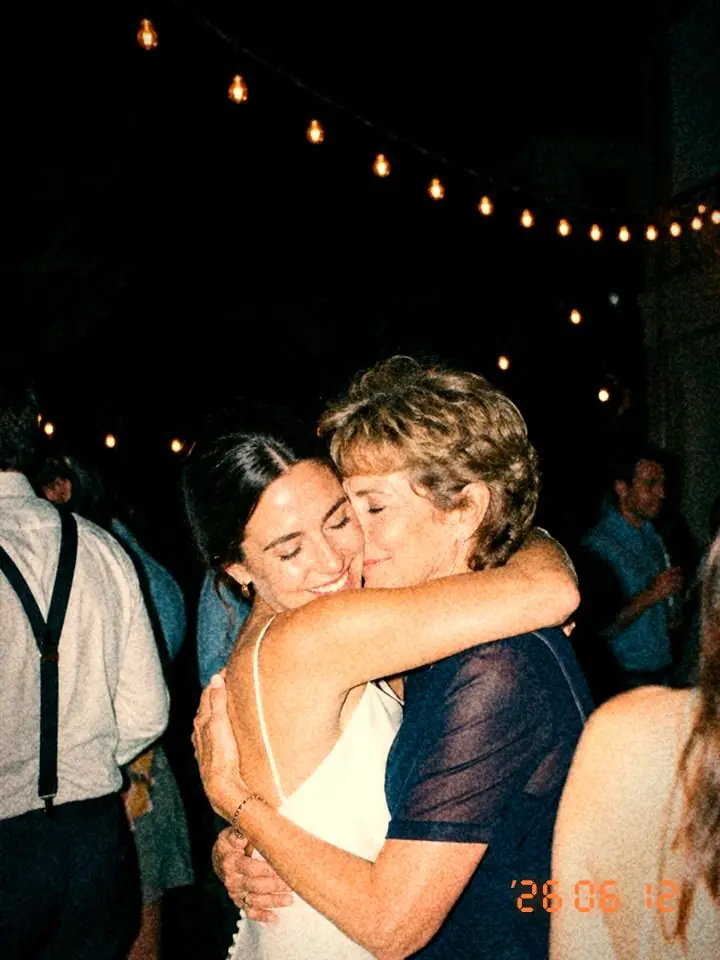
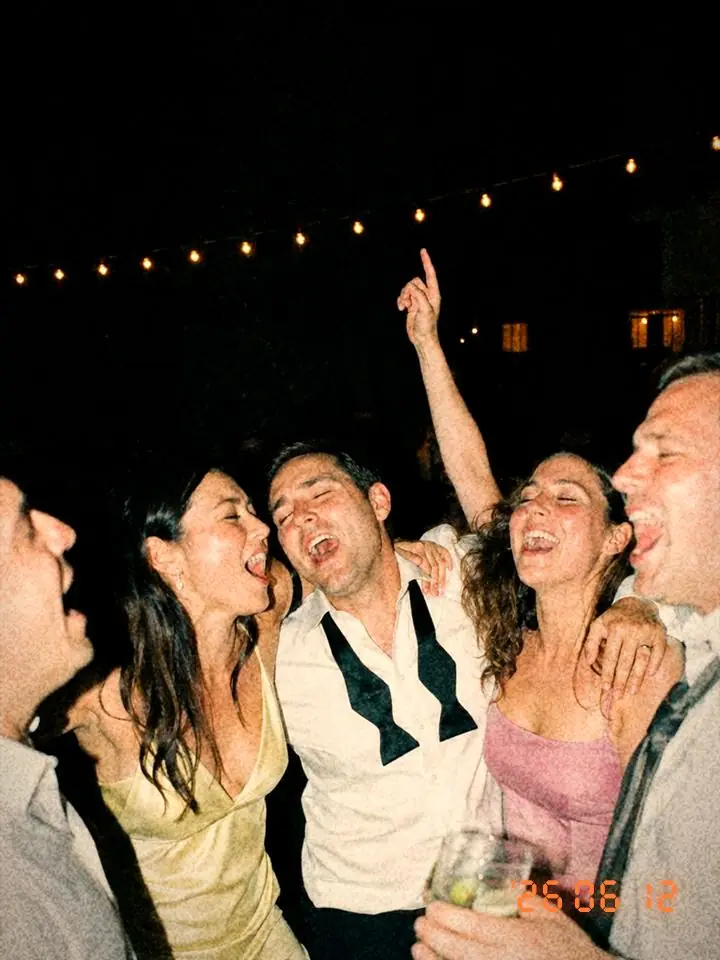
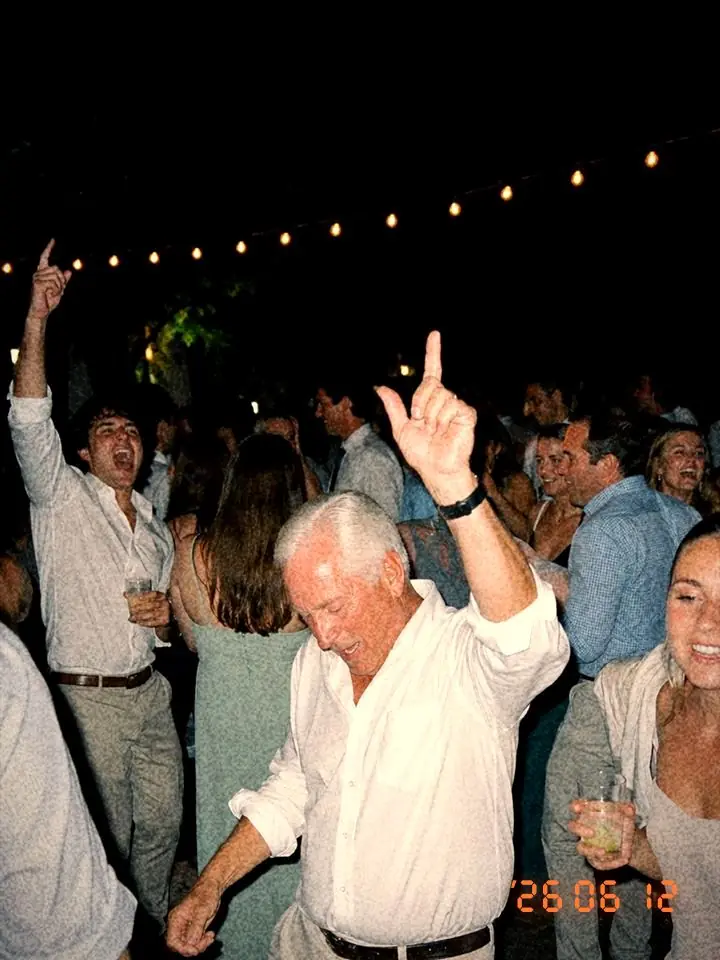
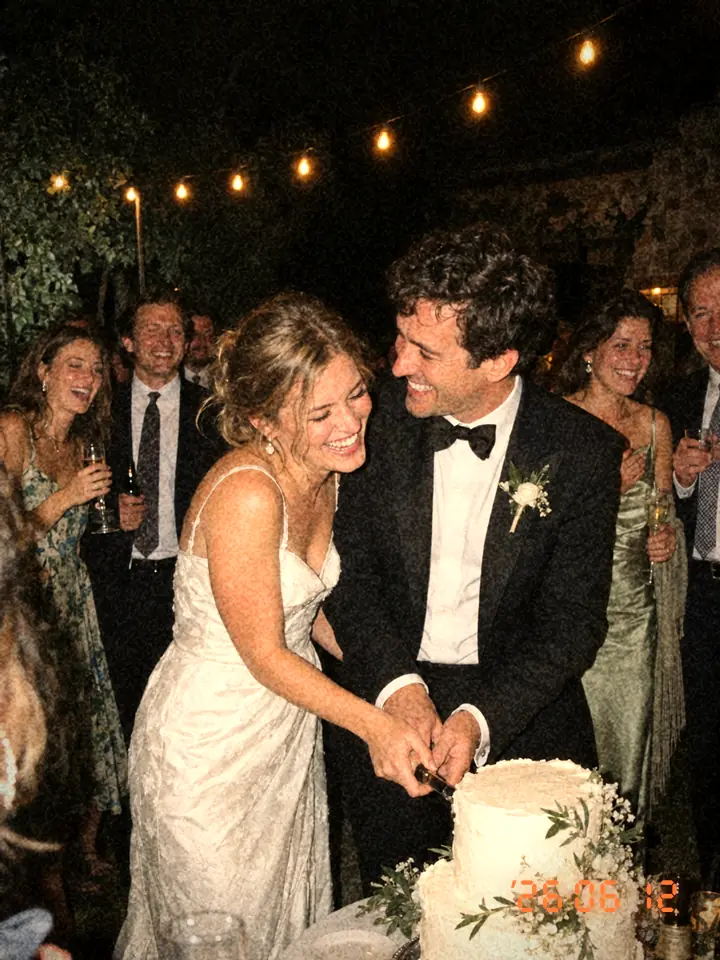
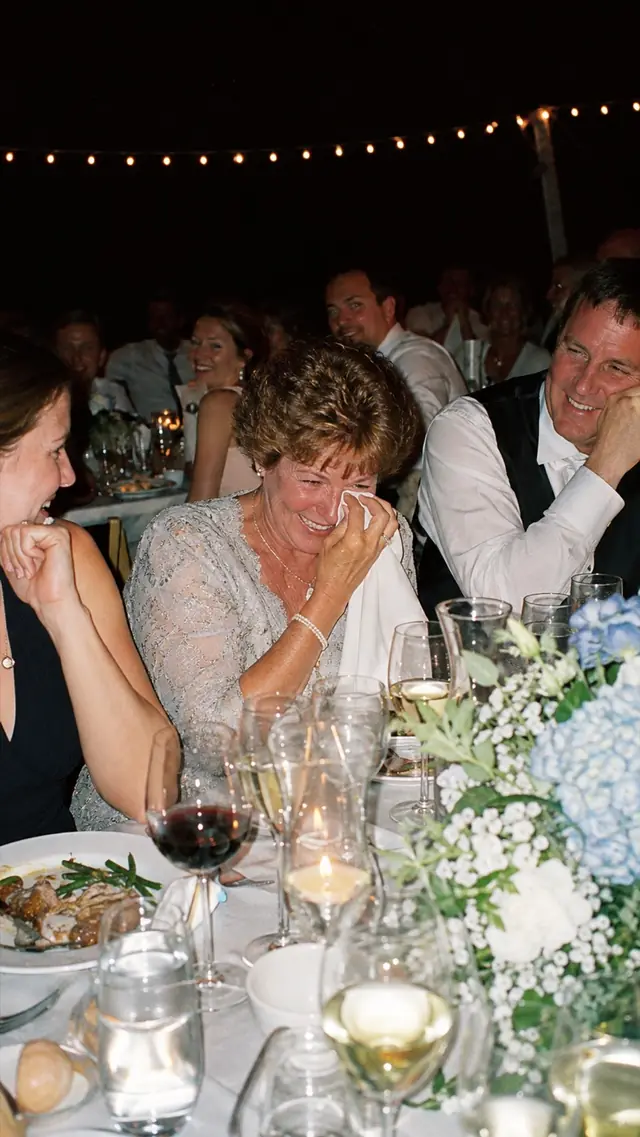
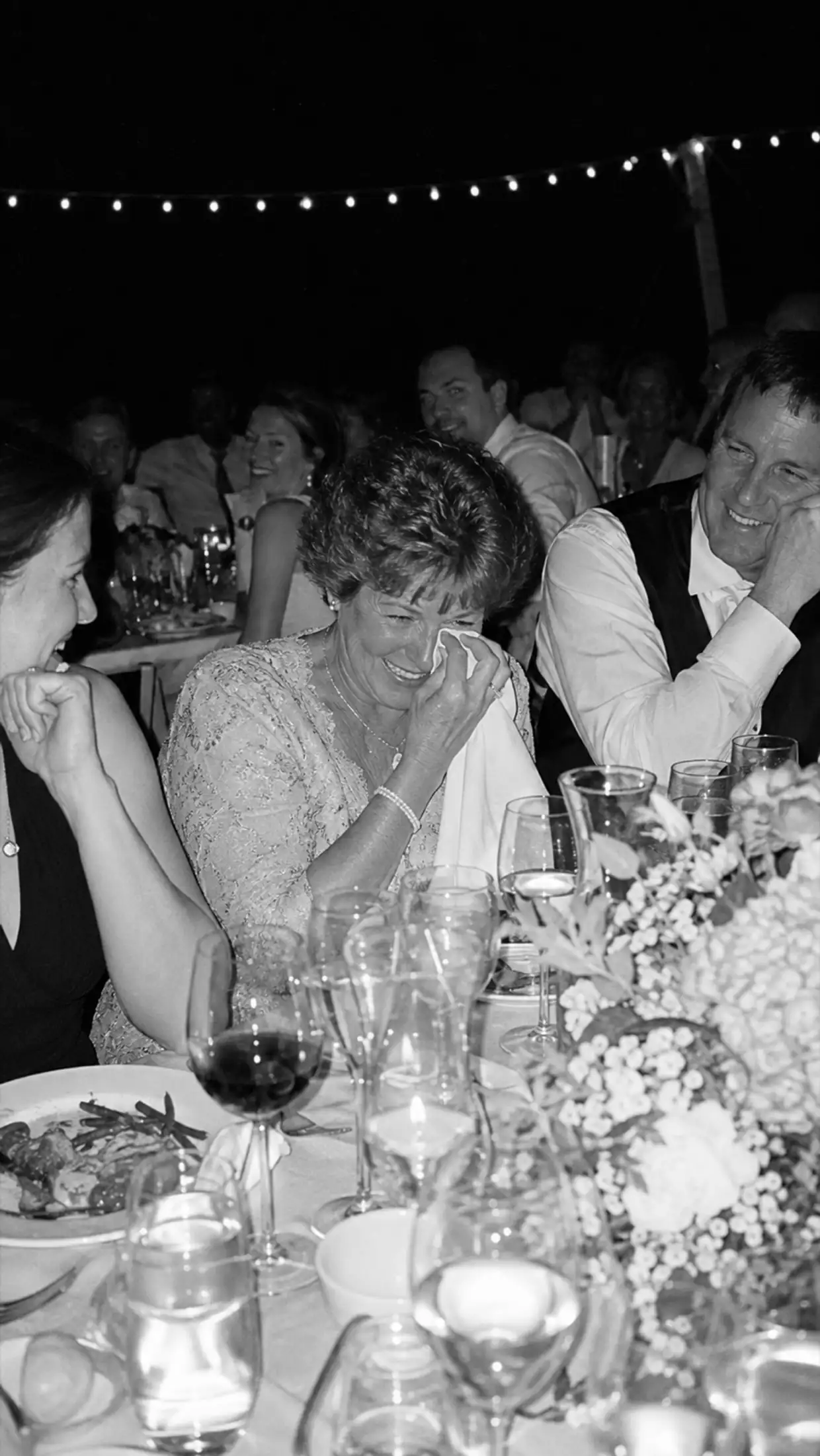
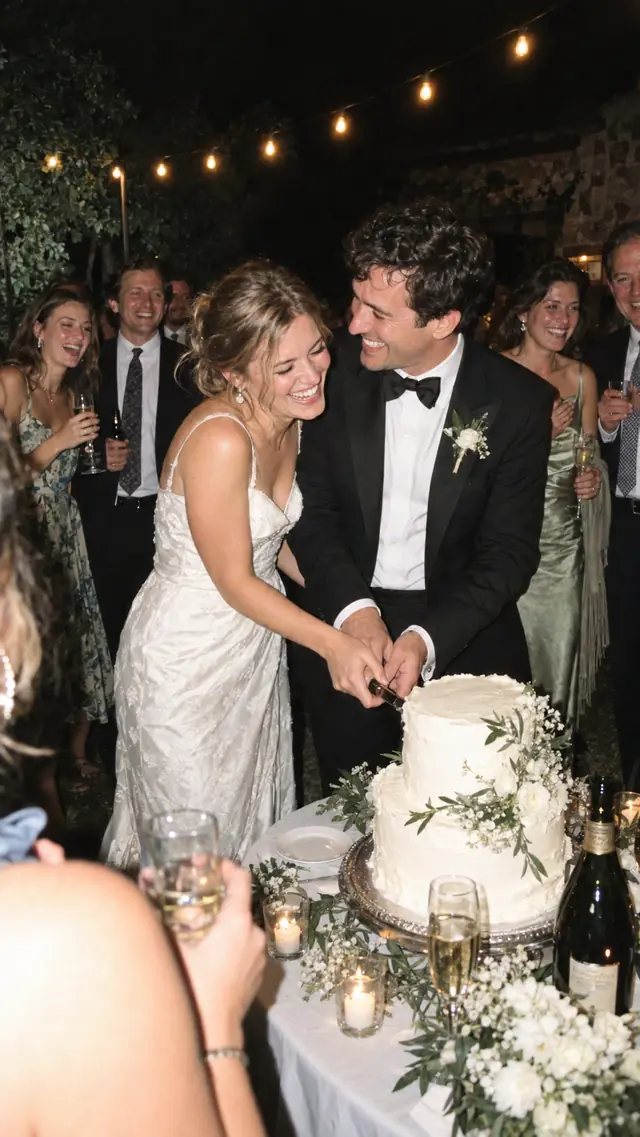
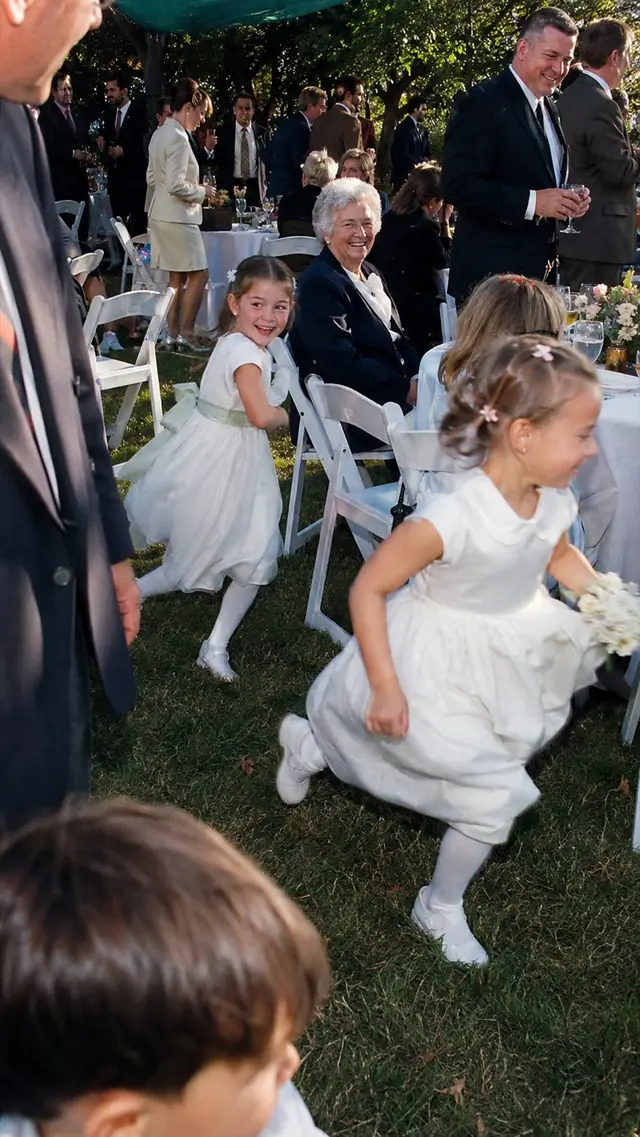
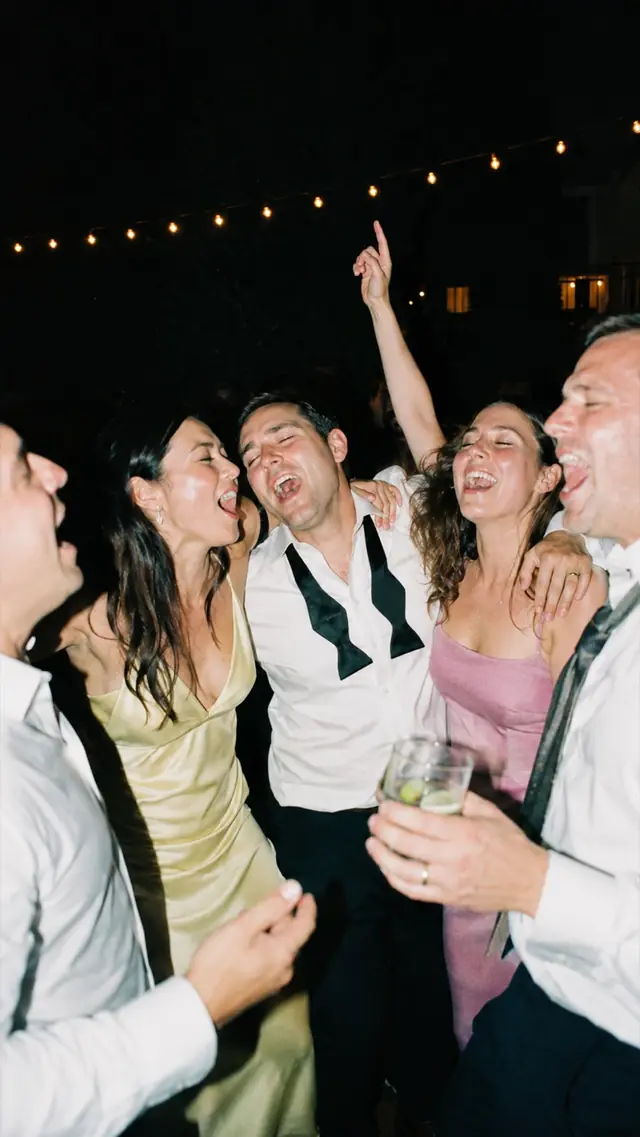
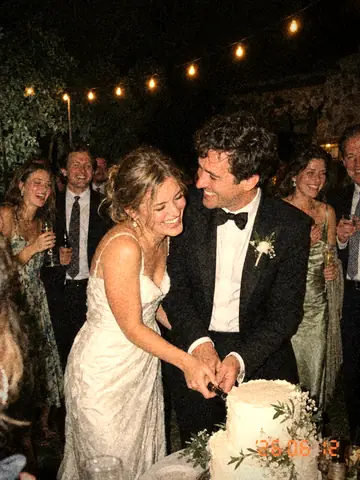
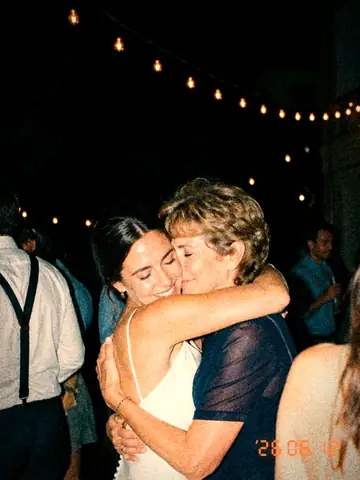
Your photographer gets the first dance. Your guests get the speech from table nine, the auntie on the dance floor and the hug you walked straight past.
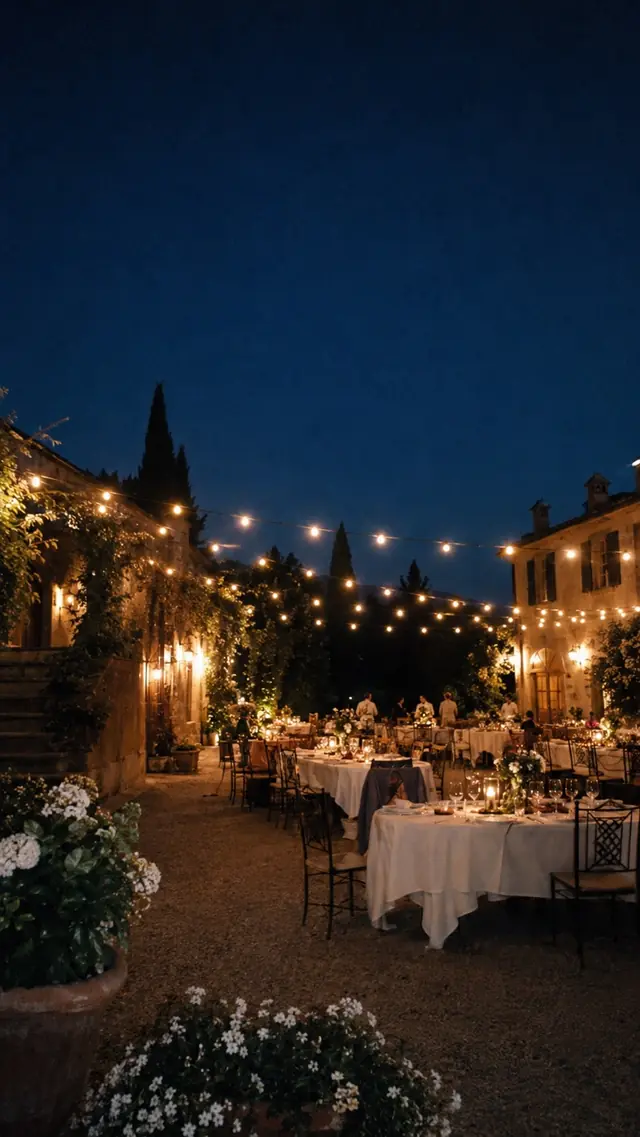
Night has fallen over the terrace. Guests take photos on their phones, each flash lights up a patch of the party, and a real photograph appears above it.
Don’t ask for photos. Set a dare.
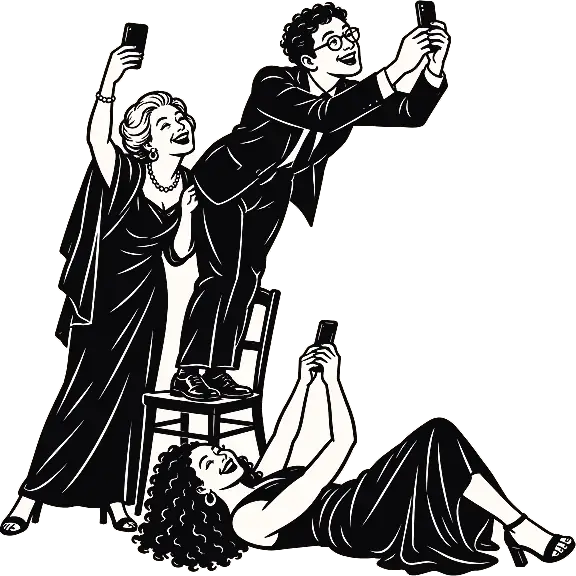
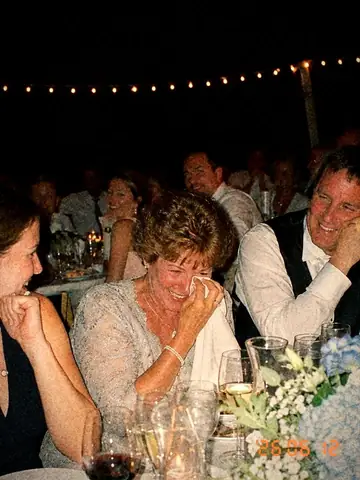
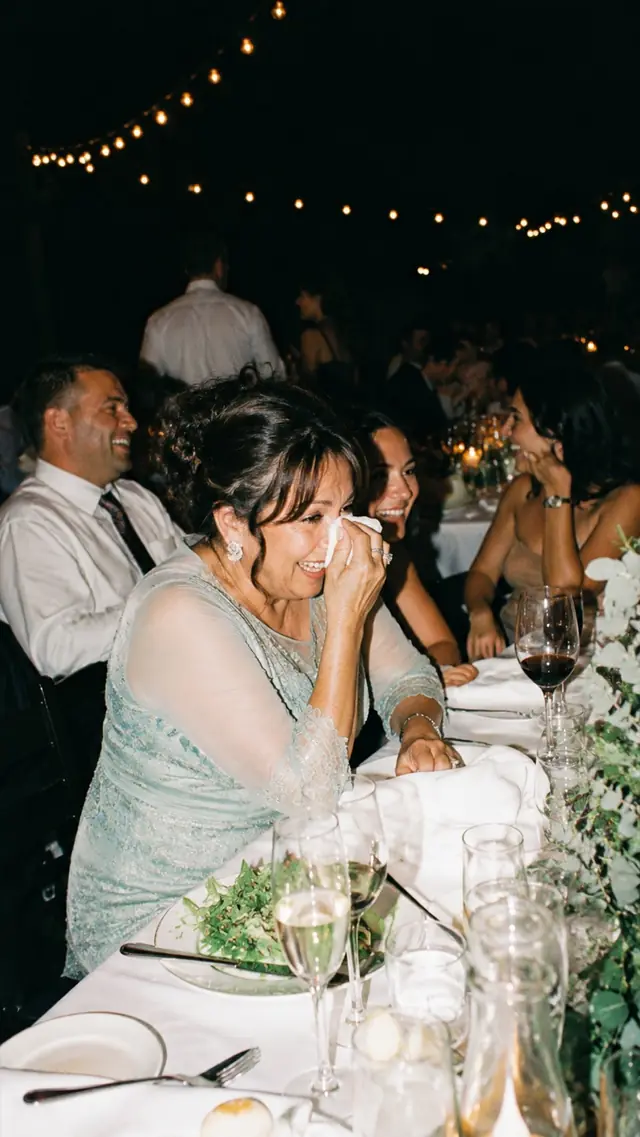
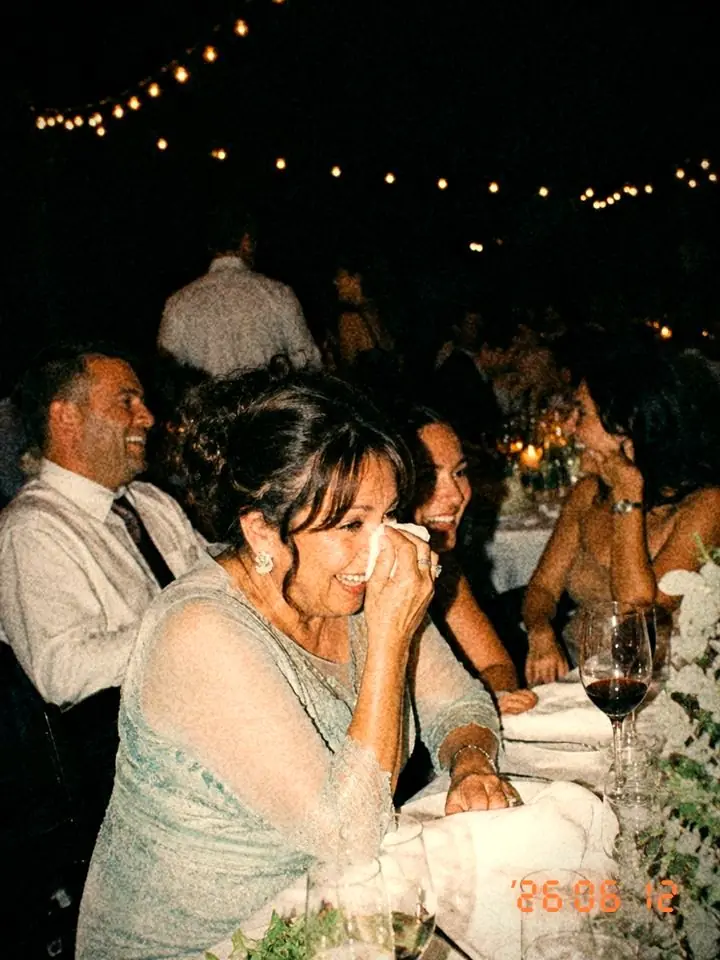
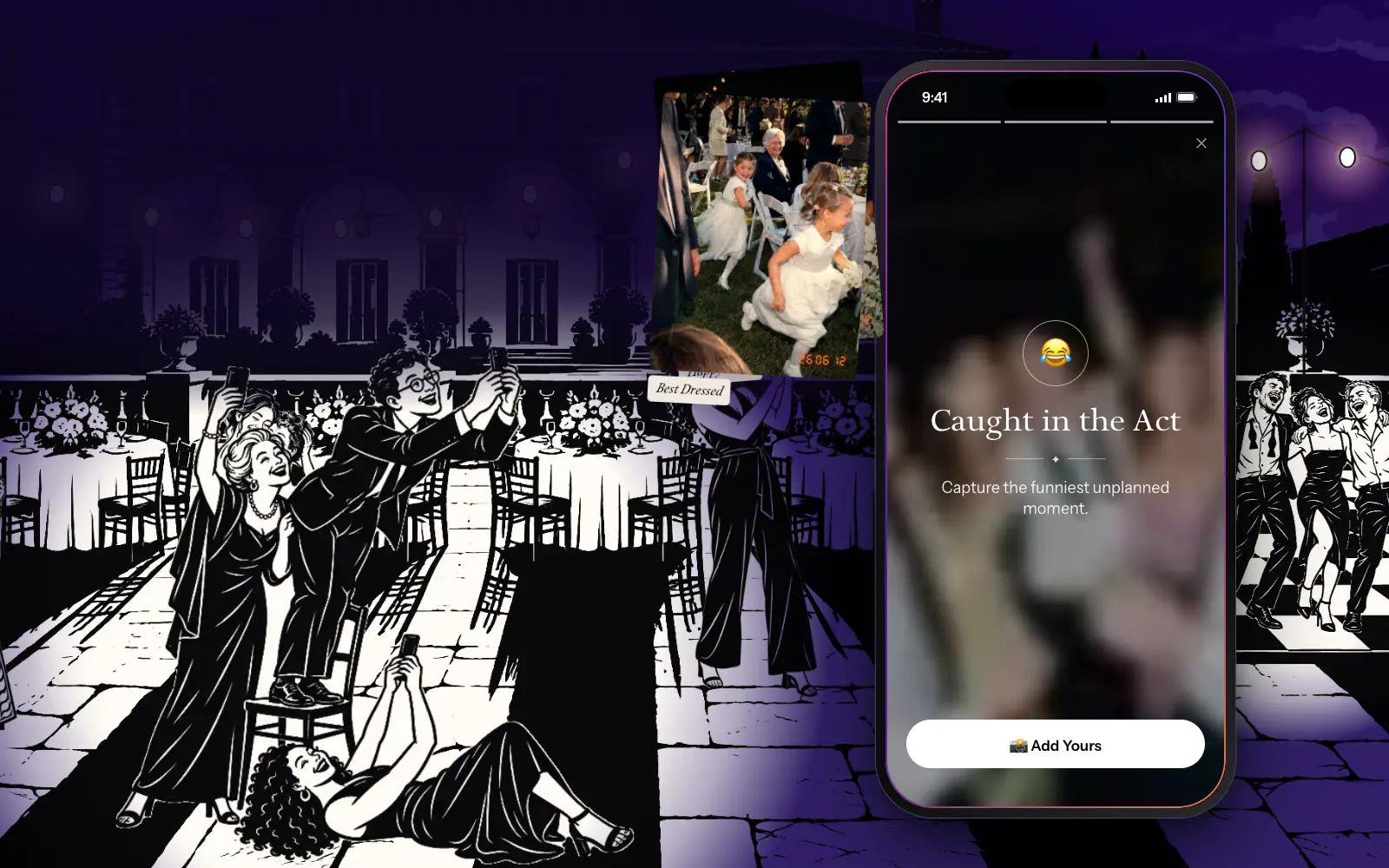
Happy Tears. Best Dressed. Caught in the Act. Write your own challenges or grab a ready-made pack, then watch your quietest table go to work.
A phone showing the challenges Happy Tears, Best Dressed and Caught in the Act, while guests go to absurd lengths to get the shot.
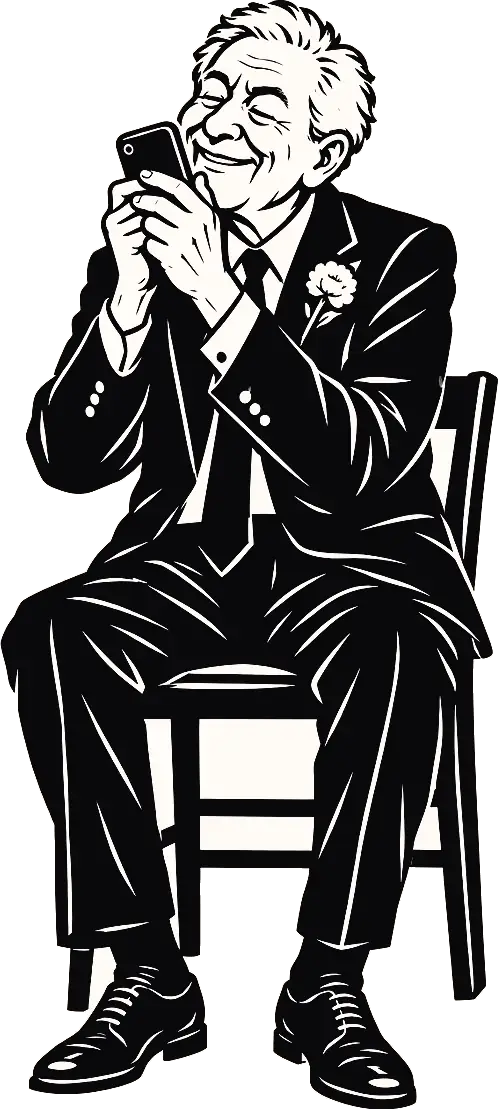
A photo can’t keep your grandad’s voice.
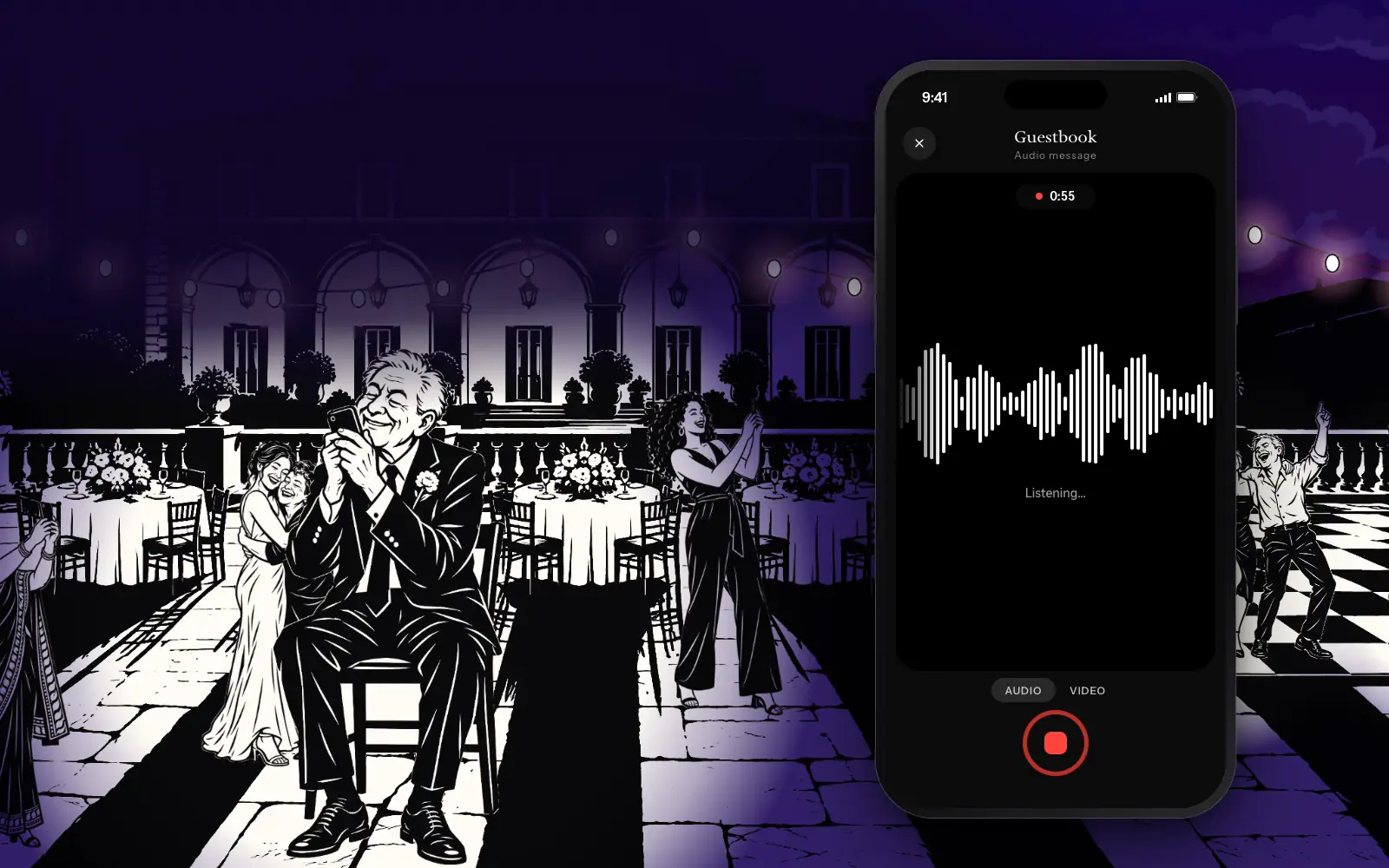
So Stills has an audio and video guestbook. Guests leave you a message, out loud or on camera, and only you get to hear it.
A grandfather speaking into his phone, while the Stills guestbook records his voice as a waveform.
Watch it live. Or make them wait.
Go live. Every photo lands in the gallery as it’s taken. The party watches itself happen.
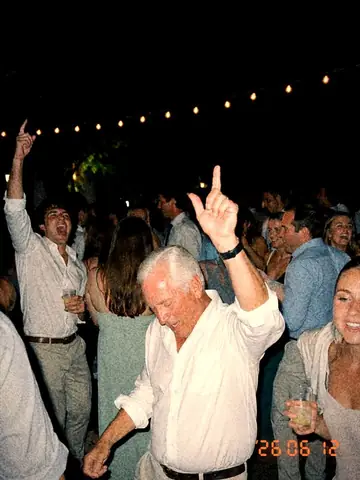
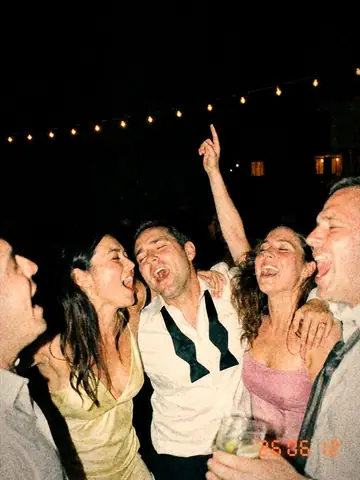
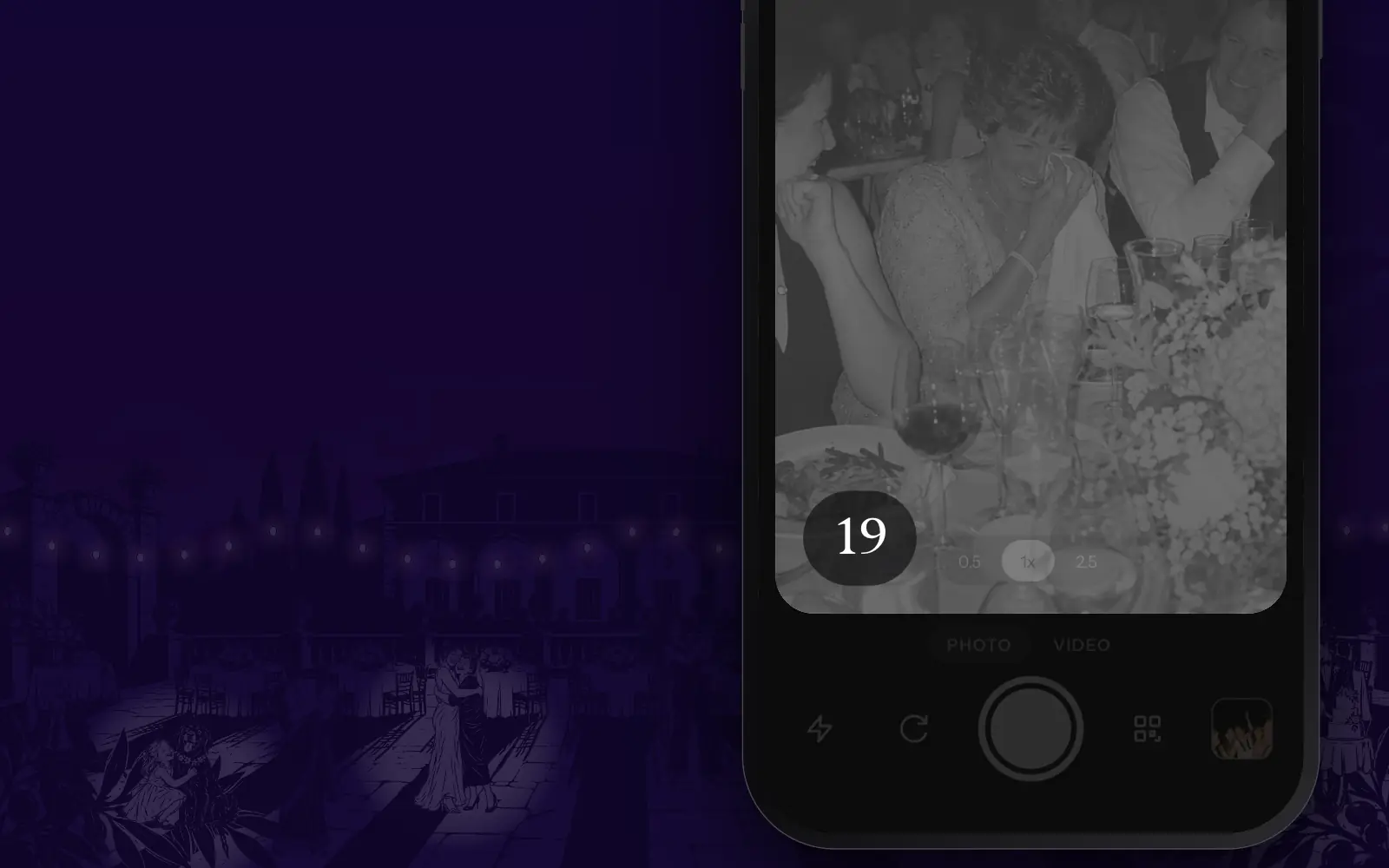
Go disposable. A limited roll. Direct flash, a little grain, a printed date stamp. Nobody sees a thing until the moment you pick.
A gallery filling up photo by photo. Then the Stills camera zooms in on its remaining-shots counter, which rolls up to 24 and runs down to nothing, and the gallery comes back locked, every photo blurred with the time until it’s revealed.
Here’s everything you missed.
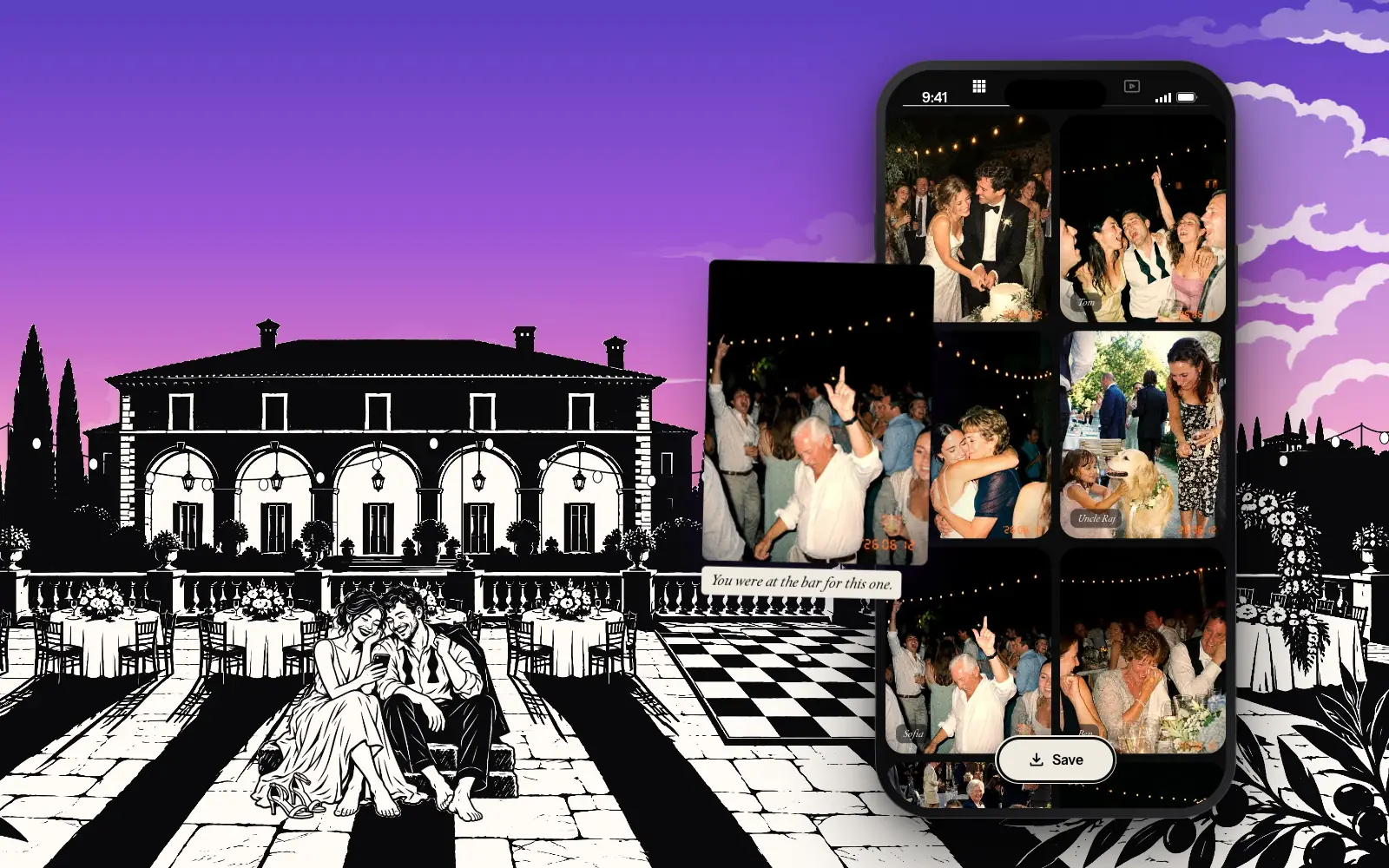
Every photo, video and message, from every guest, in one place. No chasing the group chat. Download the lot, and finally attend your own party.
The sun comes up and each locked photo in the gallery reveals itself, one at a time. Last night’s couple sit on the empty terrace, looking through it.
Any party with more than one phone.
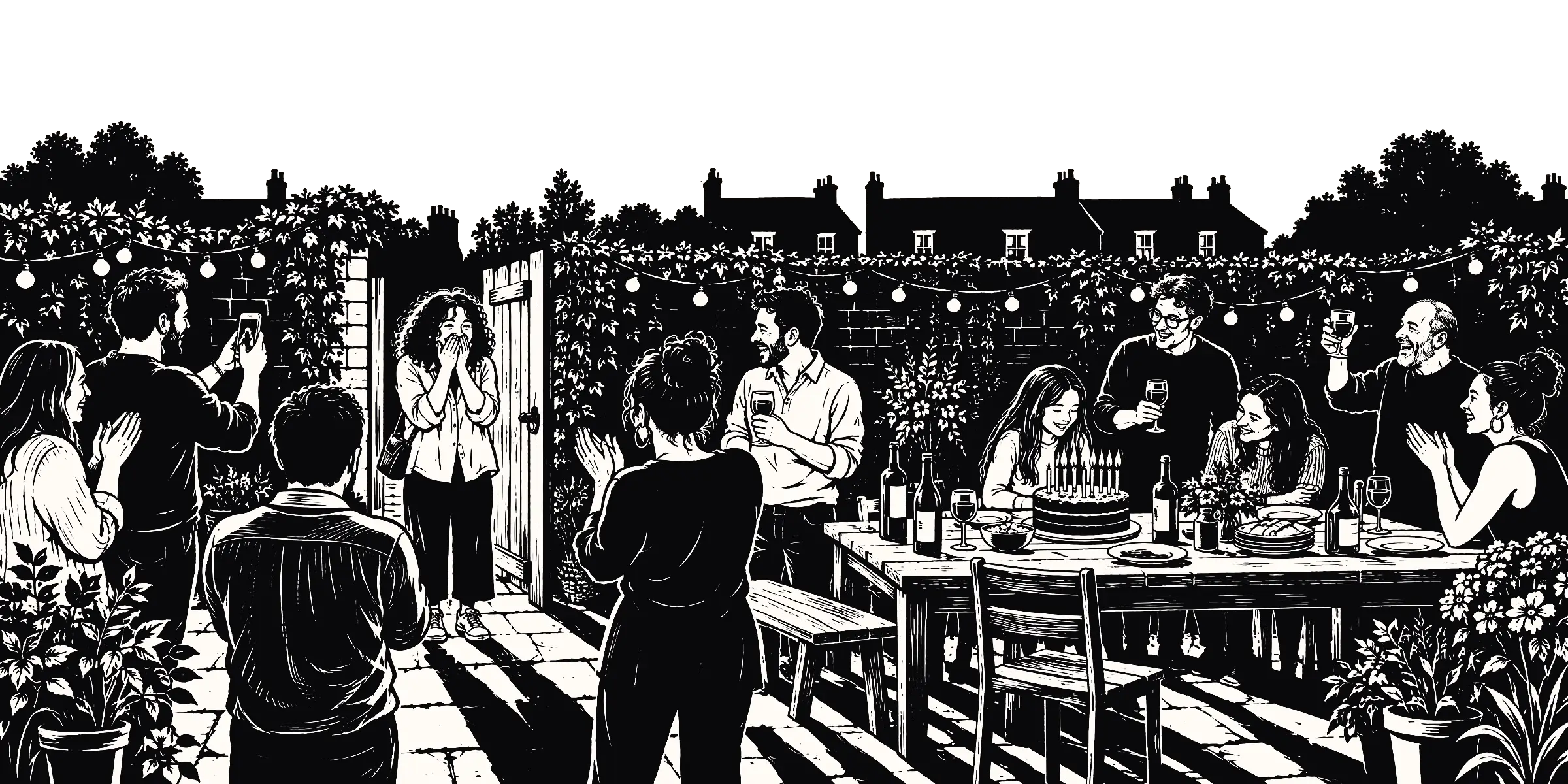
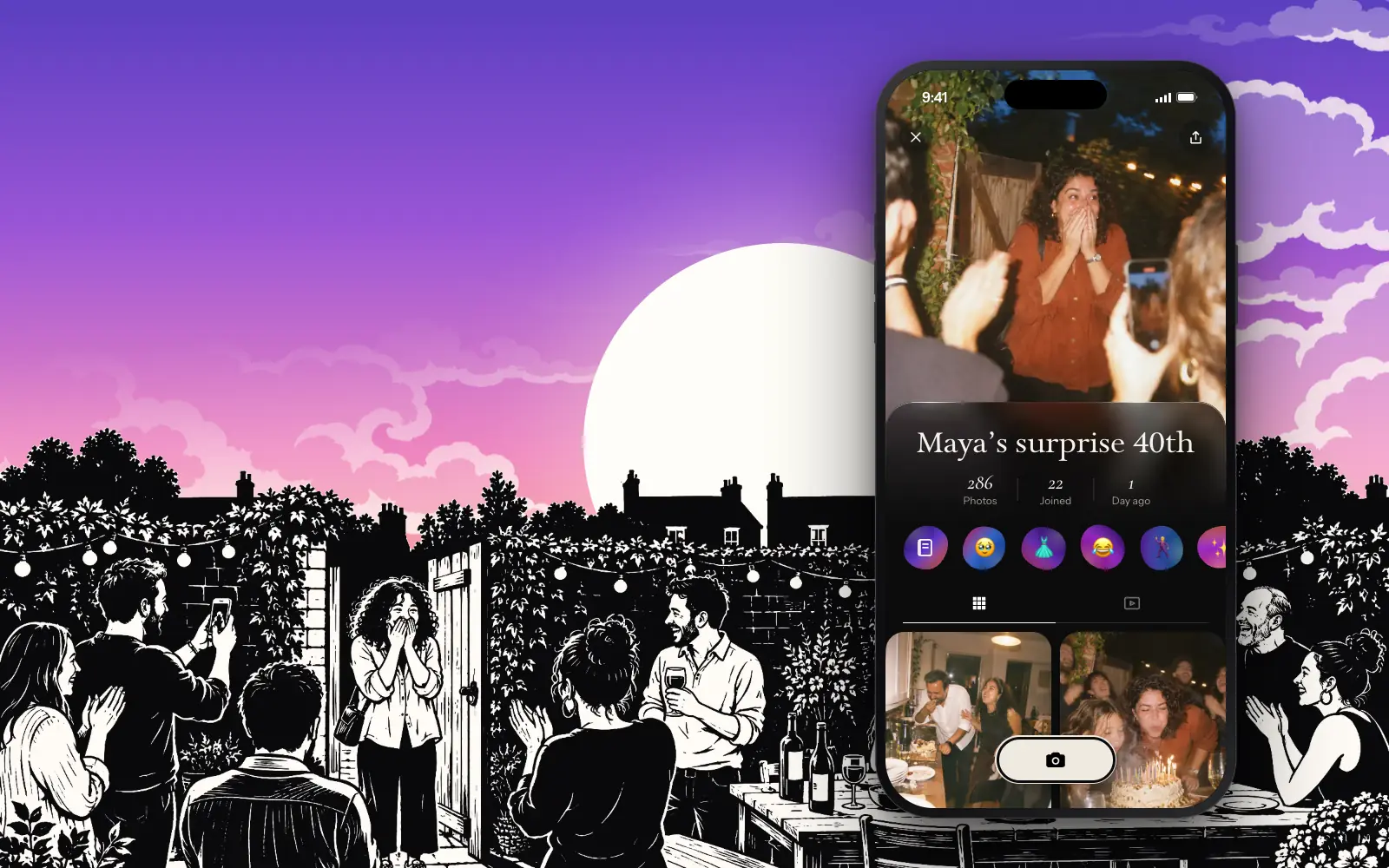
Birthdays. The surprise face. From every angle.
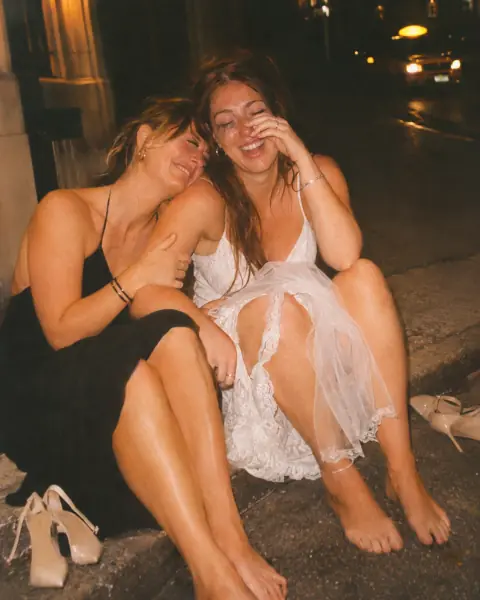
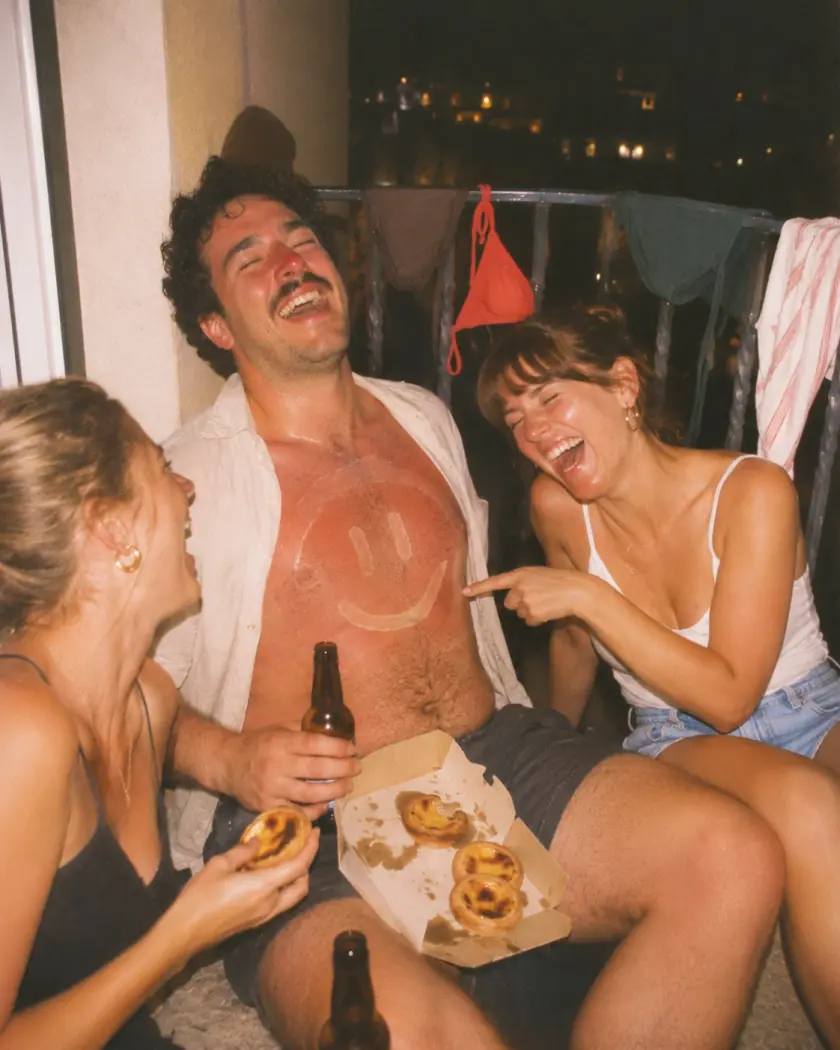
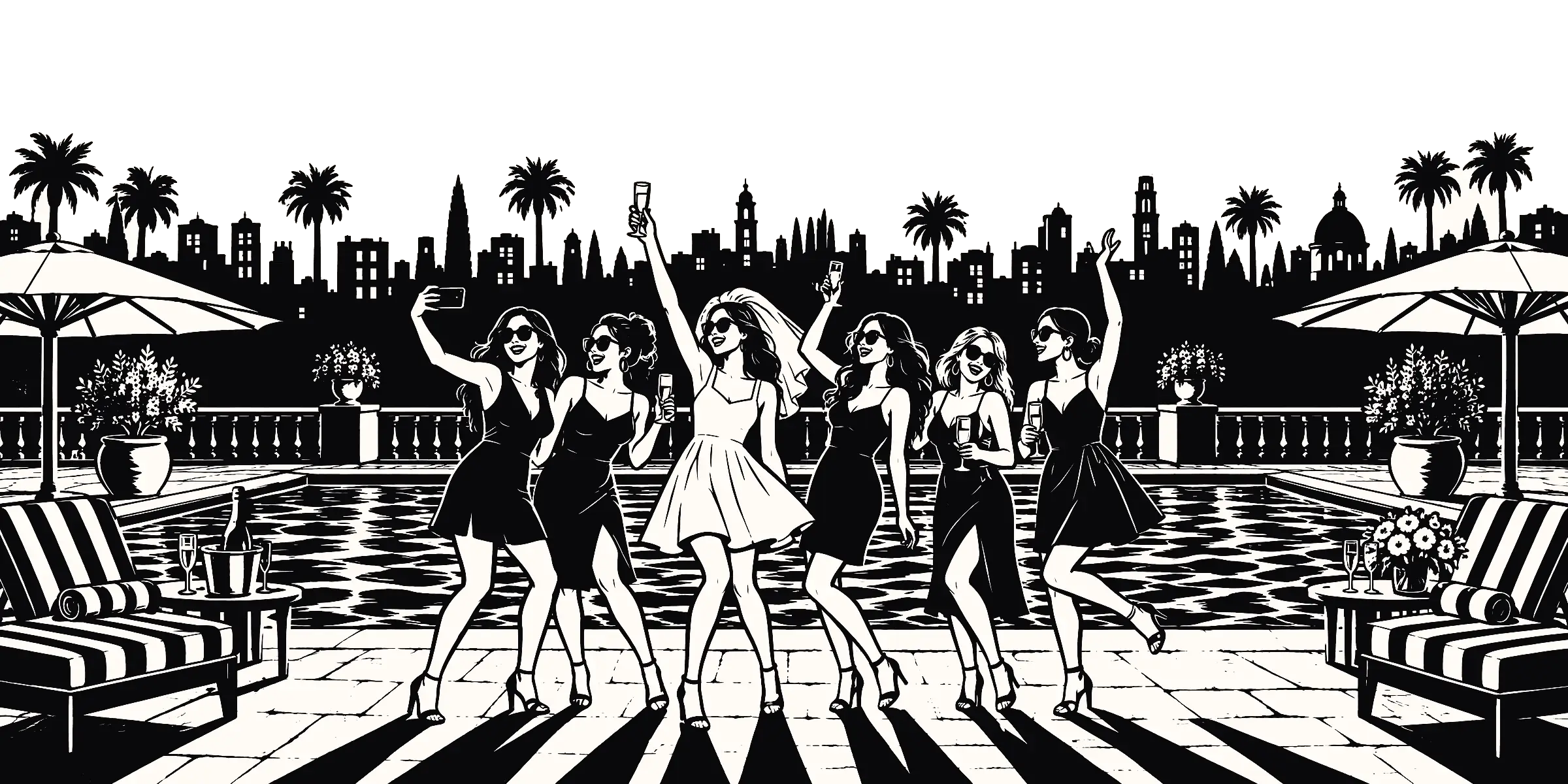
Bachelor and bachelorette parties. What happens on the trip stays in the gallery.
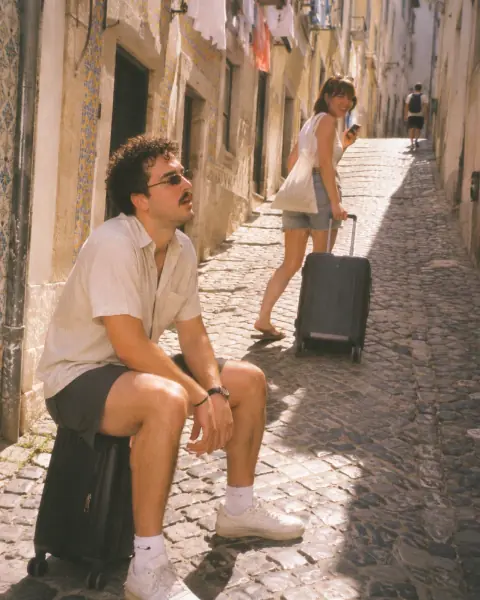
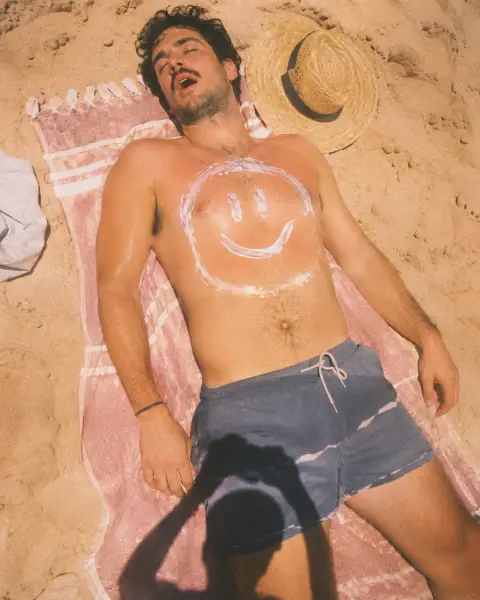
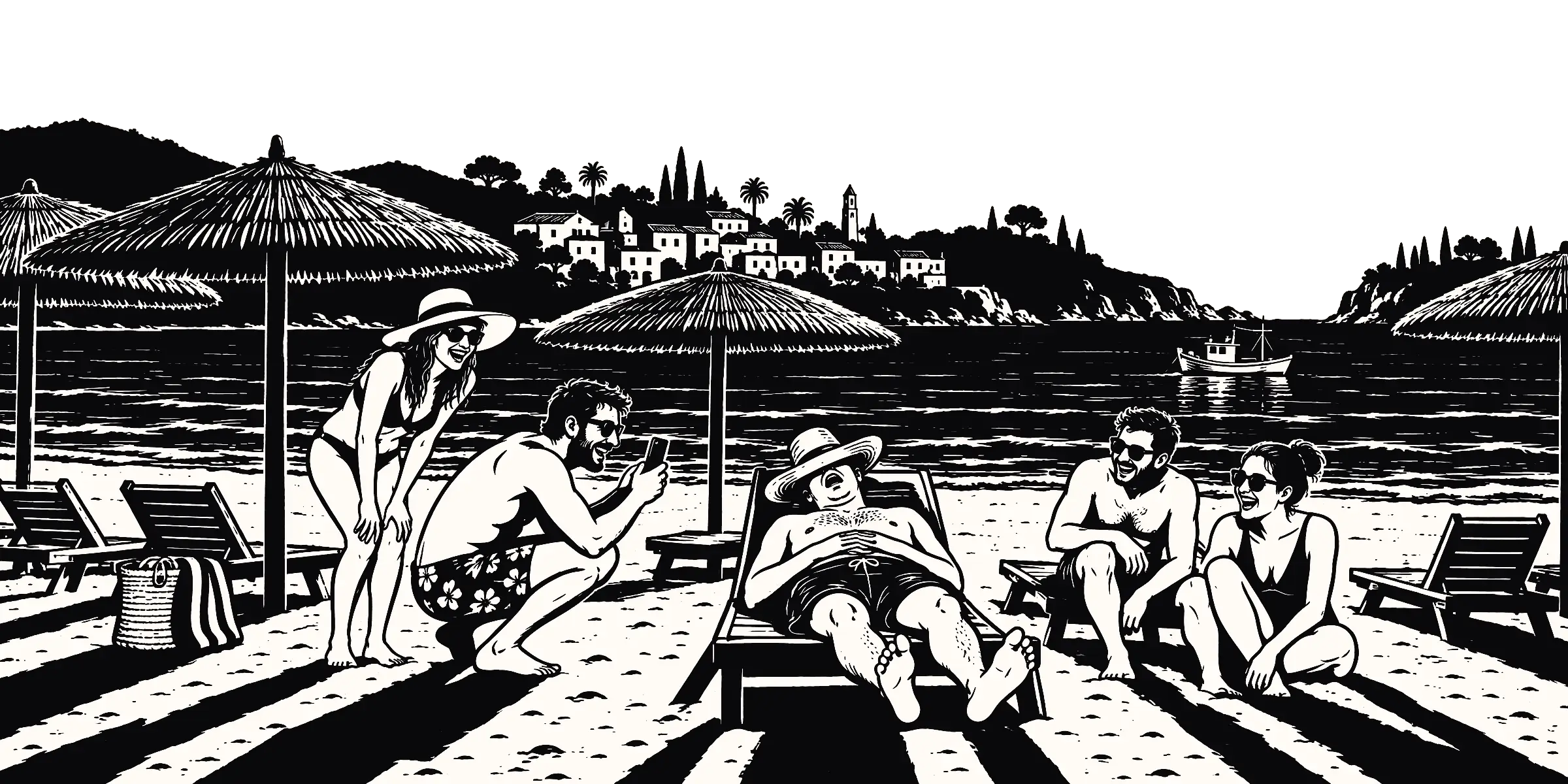
Holidays and group trips. You shot the sunset. They shot you asleep on the beach.
Plus engagements, anniversaries, graduations, baby showers, housewarmings and Christmas parties. There’s a challenge pack for each.
Tabs for birthdays, bachelor and bachelorette parties, and holidays, each with its own setting and its own event on a phone.
Good questions.
Do my guests need to download anything?
No. On a recent iPhone the QR code opens Stills as an App Clip, with nothing to install. On other phones it opens in the browser. Guests type their name and start shooting, with no account and no password.
What do I need to create an event?
The Stills app for iPhone, which is free to download. An Android app is coming soon. Once your event is made, you can also look after its photos, guests and seating from the web portal.
How much does it cost?
Free for up to 5 guests. Bigger events are a one-off payment from £14.99 per event, with no subscription. Stills+ is £49.99 for unlimited guests, and adds videos, challenges and the guestbook.
When do guests see the photos?
You choose. Share every photo live as it’s taken, or keep them locked until the event closes or until a day and time you pick. Then they reveal themselves.
Can guests leave audio and video messages?
Yes, with Stills+. Guests record a message for your guestbook, out loud or on camera. Only you get to hear it.
Can Stills really replace my seating chart?
It can. Seating comes with every plan. Guests type their name to find their table, and if you add a floor plan as a PNG, JPEG or PDF, they can zoom in to find it.
Can I download everything afterwards?
Yes. Sign in to the web portal and download the lot as ZIP files.
It only happens once. Catch all of it.
Make your event. Share the QR code. Go enjoy your own party.
 Scan with your iPhone